
STA4CAD Modeling Guide
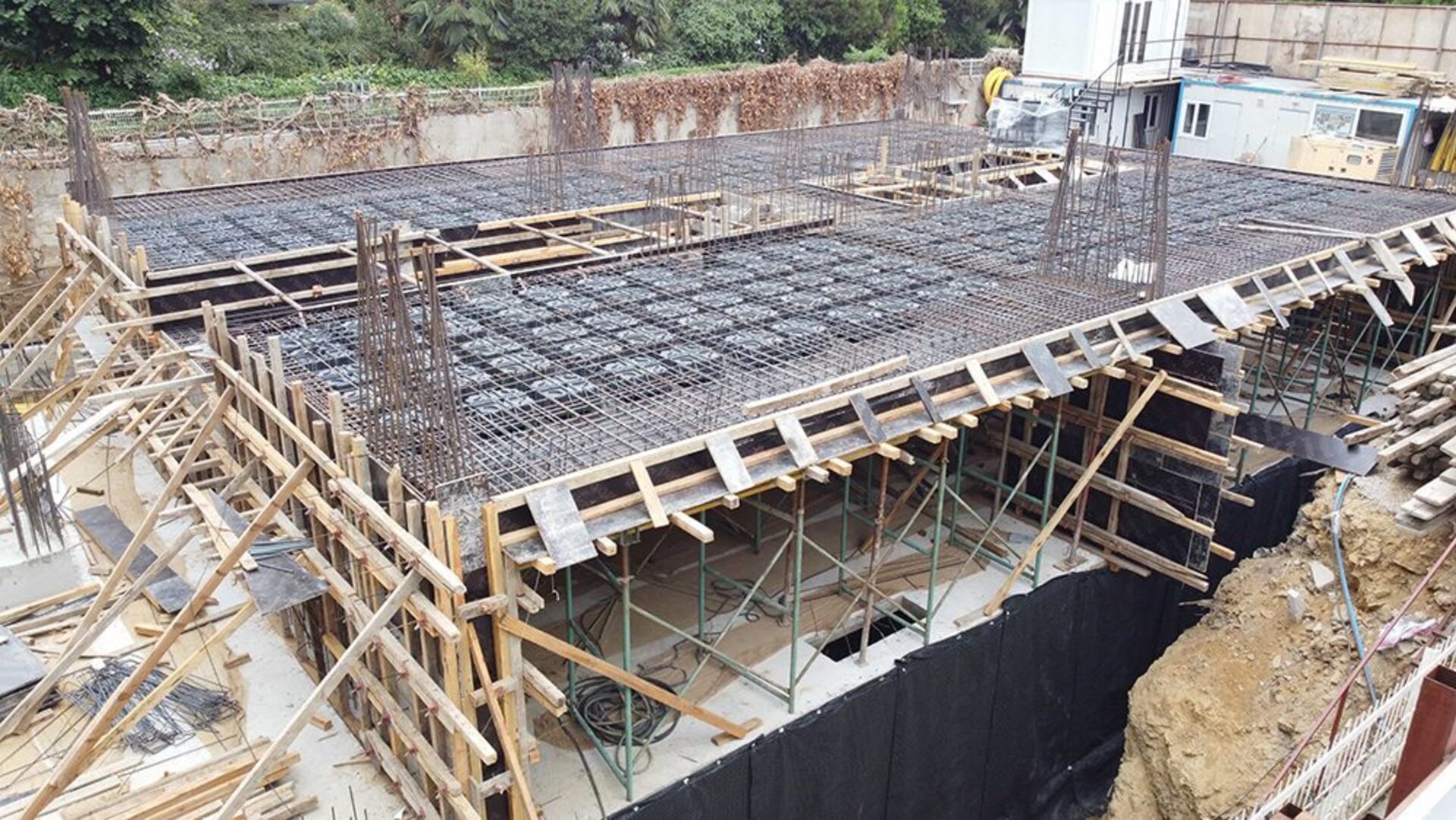
STA4CAD, prepared by STA Computer Engineering Consulting Ltd., offers ABS – Voided Slab System as a ready-made option in the slab menu to make the design process easier for its users. You can model the voided slab system in STA4CAD using the equivalent section coefficients determined according to the calculation method described in the "How to Model?" section.
Modeling steps in STA4CAD:
- 01Select the ABS – Voided Slab System option in the slab menu.
- 02Define the areas where VOLIMAX formworks will be used as a separate slab.
- 03Enter the equivalent section properties (area multiplier, volume multiplier, moment of inertia multiplier) calculated for your slab thickness.
- 04Model the punching (solid) zones around columns as full slab.
- 05Run the analysis and check the moment and shear diagrams.
Video tutorials



For project-specific modeling support, contact our engineers.